Private network access that follows identity, not location
Ciyora VPN connects laptops, servers and site gateways in an encrypted WireGuard mesh. Policy decides which people, groups and tagged devices can reach which hosts and ports. Anything not allowed is denied, and no inbound firewall ports are needed.
What Ciyora VPN does
A mesh, not a hub
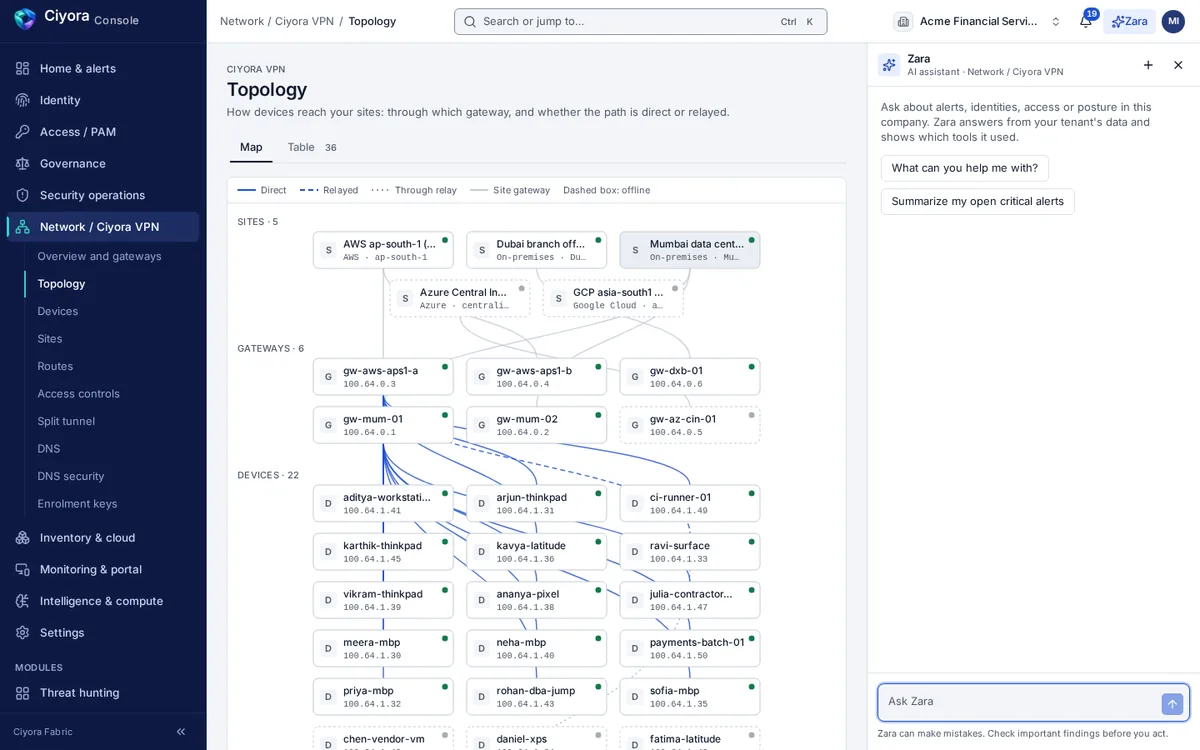
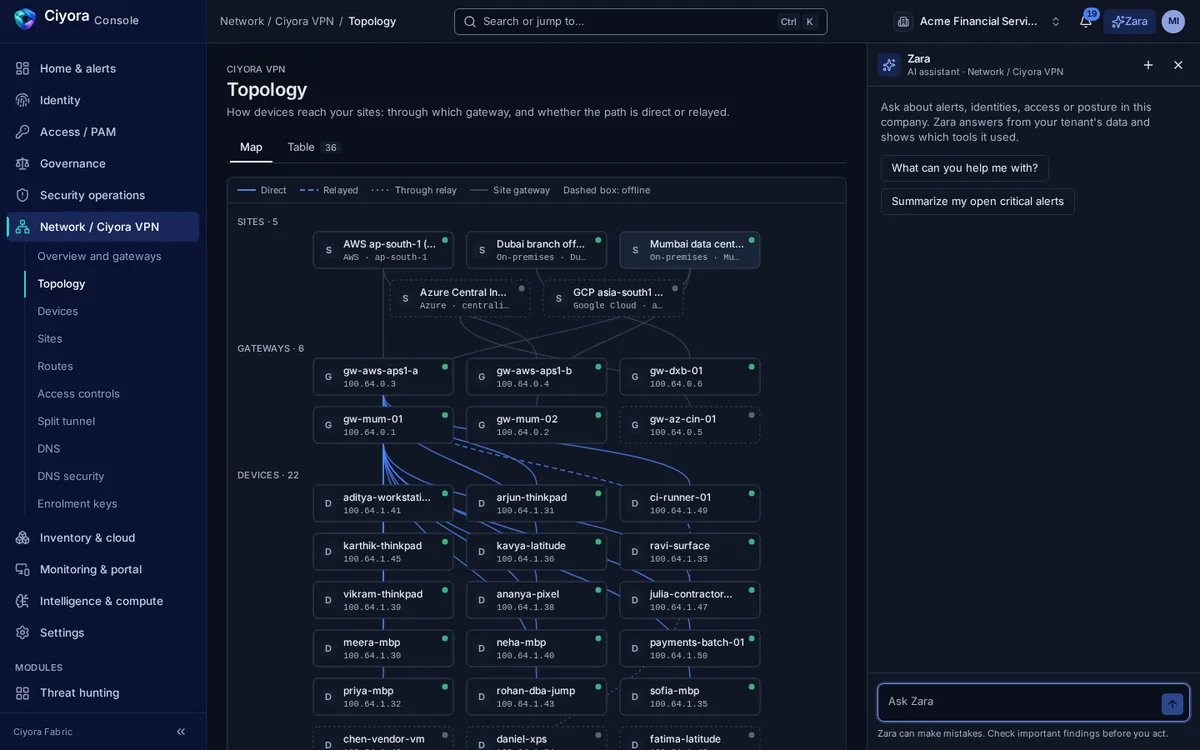
Devices connect directly to each other and to gateways whenever the network allows, using NAT traversal. When a direct path is not possible, traffic falls back to an encrypted relay. The control plane distributes keys and policy; it does not sit in the data path.
- WireGuard tunnels with direct UDP paths and relay fallback
- Mesh health, gateway heartbeats and per-device path and latency in the console
- Clients keep their last network map if the control plane is briefly unreachable
Site gateways that dial out
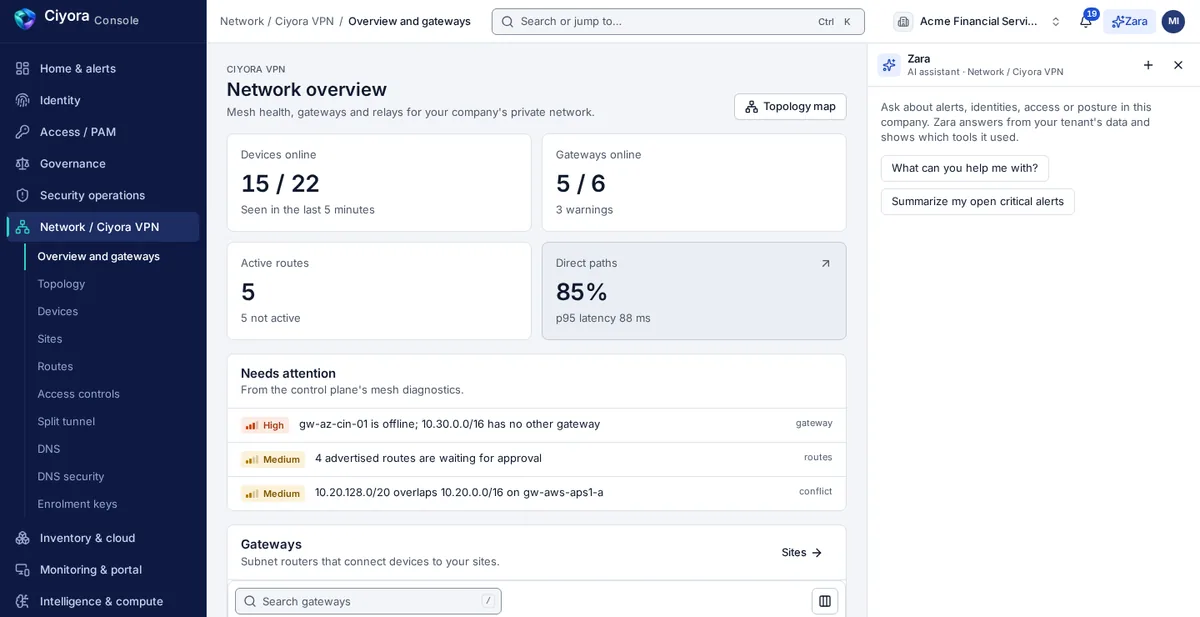
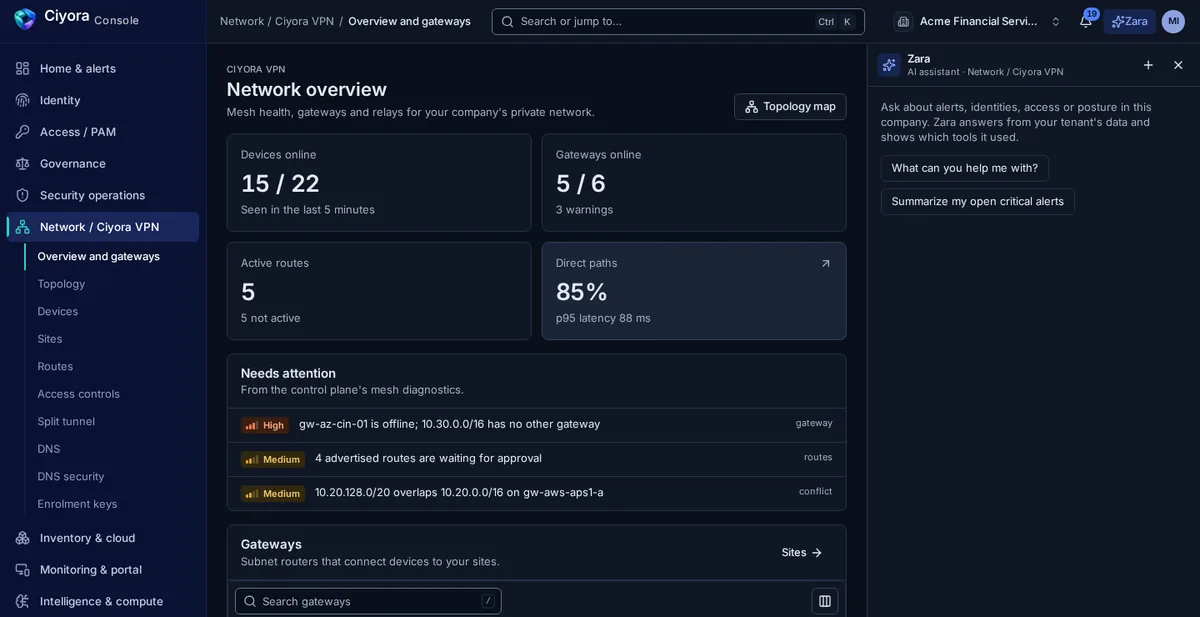
A gateway in each office, data centre or cloud network advertises its subnets into the mesh. It registers outbound to Ciyora Fabric and learns its peers from there, so you do not open inbound ports or publish a VPN concentrator to the internet.
- Advertised routes wait for approval before they carry traffic
- Overlapping routes and offline gateways are flagged
- Gateways can run in pairs for high availability
Policy you can review like code
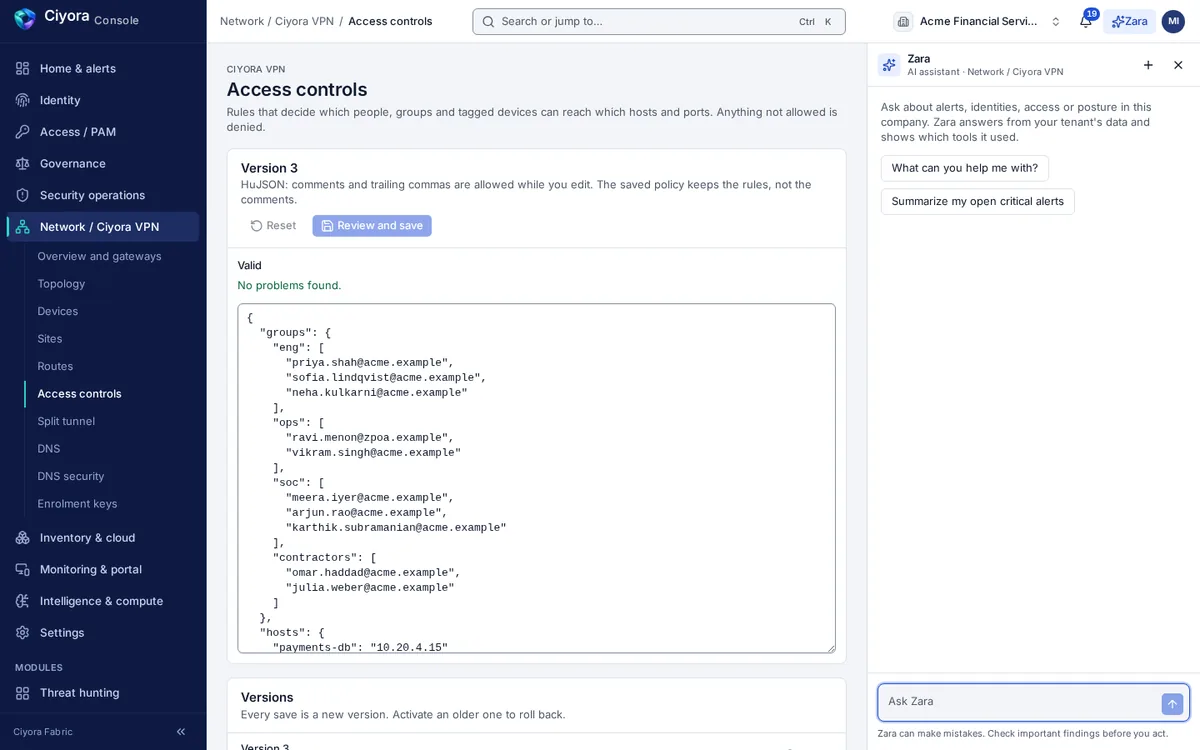
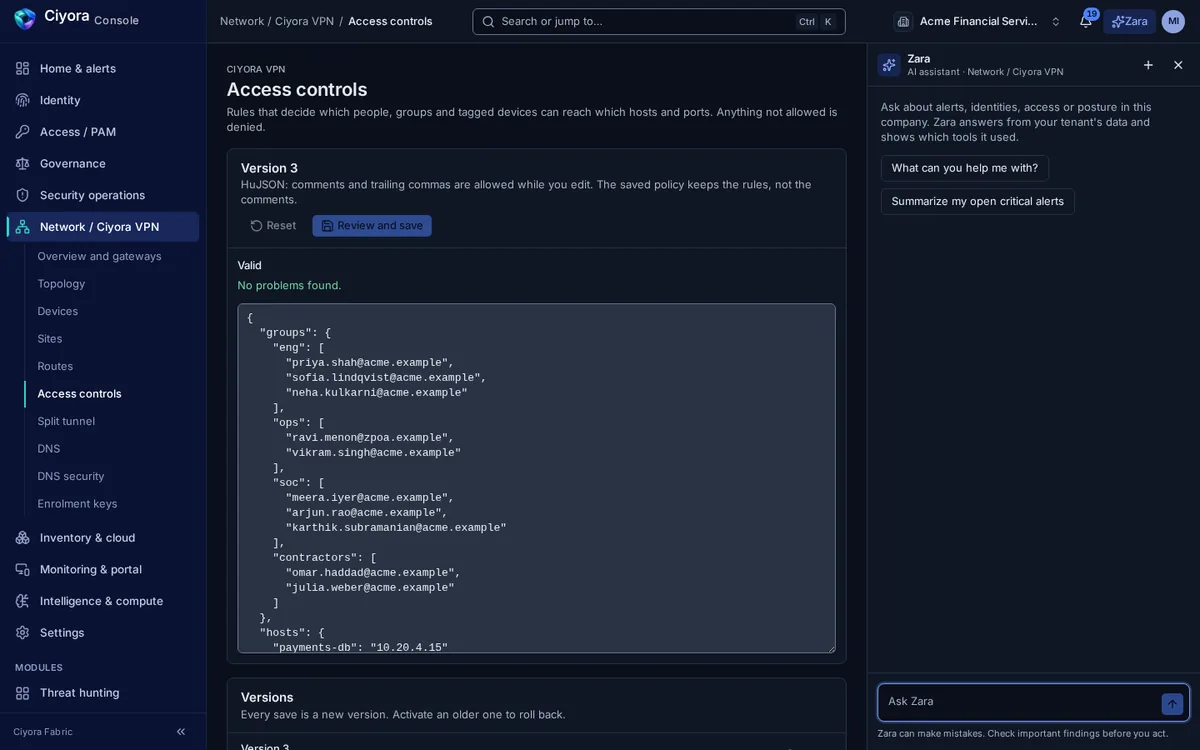
Access controls are written as a readable policy of groups, hosts, tags and ports. The editor validates as you type, shows a diff against the active version before saving, and keeps every version so you can roll back.
Devices you can trust
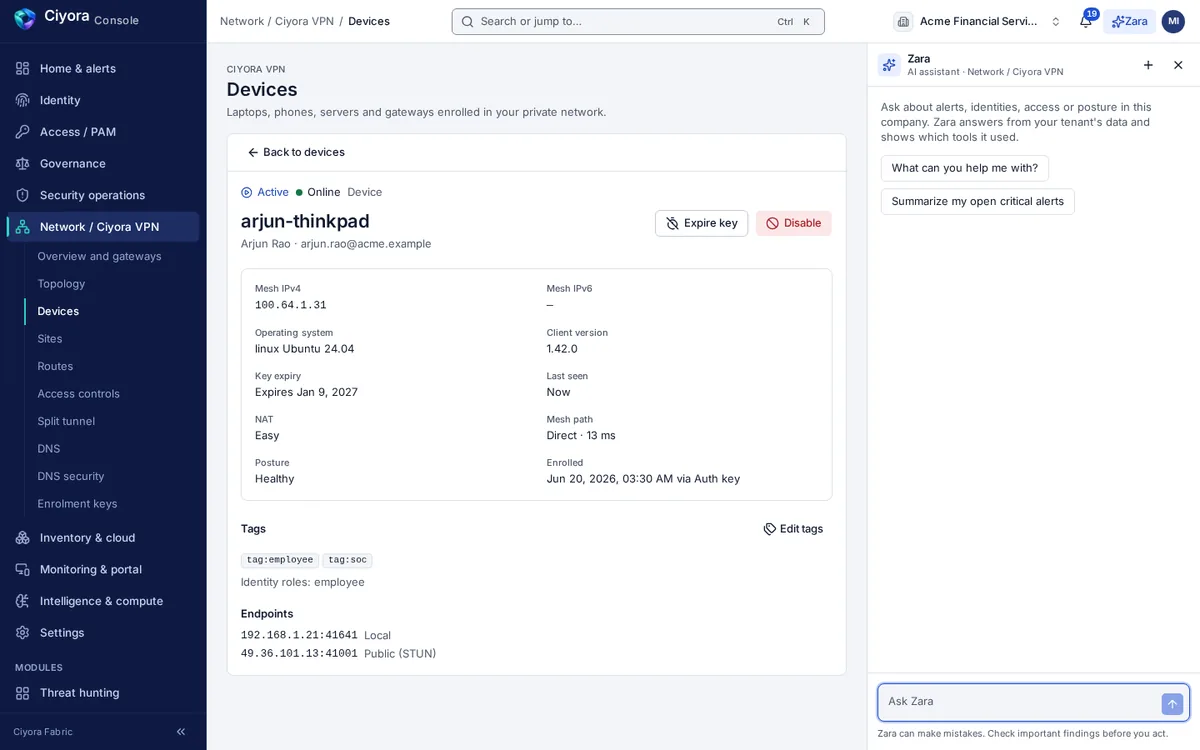
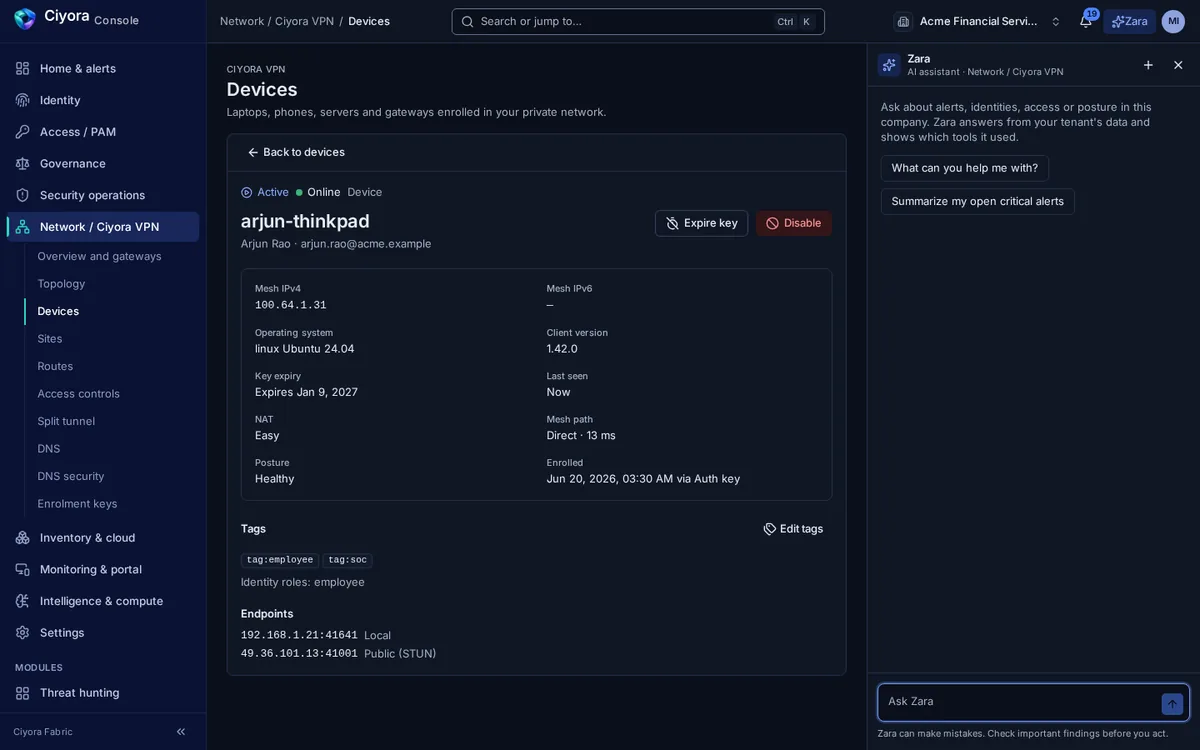
Every device enrols with a key that can expire, be single-use or be limited to tags. Ciyora Client reports posture such as OS version, disk encryption, firewall and screen lock, and devices can be disabled or have their keys expired from the console.
Capabilities
- Access controls
- Deny-by-default policy by user, group, device tag, host and port, with validation, diff, version history and roll back.
- Sites and routes
- Site gateways advertise subnets; routes are approved, disabled or managed; overlaps and offline gateways are reported.
- Split tunnel
- Per role or person: which networks go through the tunnel, which networks and domains stay off it, and whether that is enforced.
- DNS
- Split DNS for internal domains, private DNS records, and DNS security that blocks known-malicious domains with a query log.
- Enrolment keys
- Expiring, reusable or single-use, ephemeral and tagged keys. The full key is shown once and never stored by the console.
- Device posture
- OS version, disk encryption, antivirus, screen lock, OS updates, firewall and client version, evaluated per device.
- Topology
- A map of sites, gateways, devices and relays with direct and relayed paths, also available as an accessible table.
- Hardening
- Optional kill switch on clients, single packet authorization for dark-network mode, and an identity-aware packet filter on Linux.
How Ciyora VPN works with the rest of the platform
Every module shares one tenant, one identity model, one audit chain and one console, so a finding in one place is context everywhere else.
Ciyora VPN can be bought on its own or as part of a bundle. It is also available in the Ciyora Zero Trust bundle with Ciyora Fortress. See Ciyora VPN pricing.
See Ciyora VPN in a demo
A demo walks through the module on a sample tenant and covers how it would connect to your identity provider, cloud accounts and sites.